DoxBot
The orb is not a mascot.
He runs the work.
DoxBot is the DDOX OS resident — a glossy dark-blue orb with cyan arch eyes and a waveform line, the same on every surface. He holds your context, coordinates the crew, and stays present after the app closes. What follows is what you can actually do with him today.

DoxBot. One canonical form — in the app, in the overlay, on your phone.
Modes that execute
Arm a mode. A real crew dispatches.
The DoxBot symbol sits in the composer, immediately left of the Merge Orbs glyph, and drives the mode configuration. Arming a mode is not a costume change: it dispatches real seats through the execution runtime — digest-bound plans, a budget per seat, a cancel per seat, and a heartbeat journal of everything the crew does.
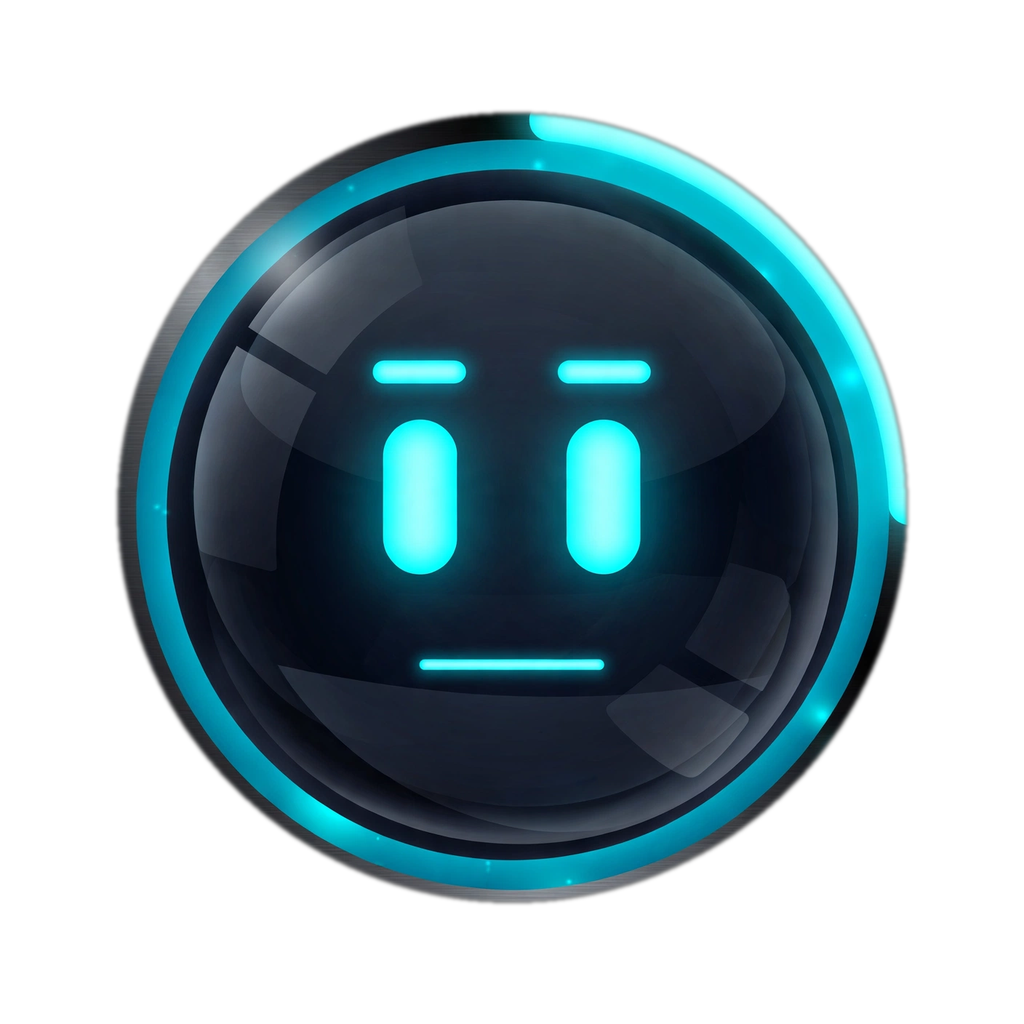
One orb, three modes. The same DoxBot, three ways of working.
Assist
DoxBot works alongside your conversation — carrying context, preparing, checking — while you stay in the lead.
Swarm
A crew fans out on the work in parallel, each bot on its own lane, with an overseer seat watching every lane's journal and heartbeat — distinguishing stalled from slow, nudging or resuming stalled lanes, and escalating real blockers with a compressed context packet.
Dox
The top tier: twelve bots plus DoxBot as coordinator — DoxBot himself uncounted — tuned as the fastest configuration in the product. Effort and Quickness are real sliders beside the model picker: Instant, Medium, High, and at the top, DoxSwarm — maximum-depth thinking delivered through concurrent multi-agent work, as a property of the harness on any cloud model.
Merge Orbs — Hybrid
The Merge Orbs glyph is Hybrid's own chat-box control. Toggle it and the resident seat, verifier judging, and spend attribution engage. Its safety machinery is never switchable. How Hybrid works →
Swarm Center
Watch the crew work — really work.
Swarm Center shows the crew as a live node graph: fan-out, per-bot subnodes, verifier fail-routes. There is no user node in the flow — you are the client, not a cog. Creating a swarm shows a preview chip in the chat that expands into a live flow diagram, and every work item gets its own followable thread, so parallel work never becomes an unreadable pile. A dry-run mode lets you preview a run against a copy of your state — cost it and debug it before anything dispatches. And the working visual you see is driven only by real instance state: never a decorative spinner pretending to be progress.
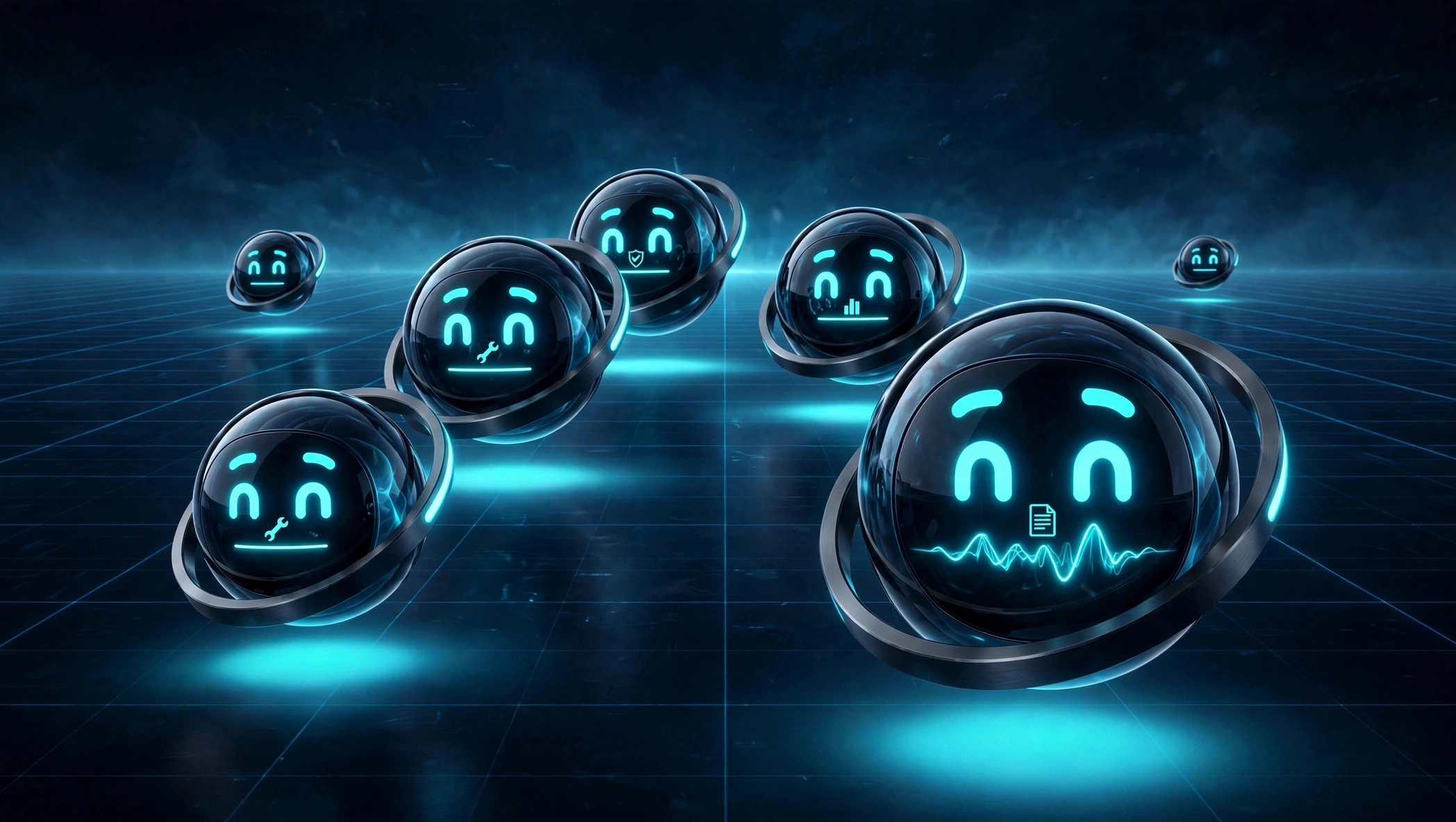
A crew in formation: up to twelve bots, with DoxBot coordinating.
The persistent overlay
DoxBot stays when the app closes.
A resident service keeps DoxBot alive after you close DDOX OS — for little-to-nothing while idle — and the overlay brings him onto your screen. He moves to where the work is, and he travels for exactly one reason unprompted: a real needs-you state. Otherwise he wanders only when you tell him to by voice, or when you enable it in Settings.
- Live activity line. Under DoxBot's name, everywhere his identity appears, one plain-language line says what he is actually doing right now — the task and the step, what he's waiting on, or what he needs. Always real, never guessed.
- Needs-you, with teeth. When DoxBot needs your call, it lands in the Blockers Center as a decision with approve and deny that take effect — and the overlay's feed empties for real when you've ruled.
- A real animation vocabulary. Fifty choreographed sequences — movement, split and fuse, comms, expressions — wired to real harness signals, so the motion you see is DoxBot's actual state, not a screensaver.
- Yours to shape. DoxBot's name, orb style, and persona are set in one Settings section and wired into how he works.
Virtual Workspace
DoxBot's own floor.
The Virtual Workspace is a different place from Swarm Center. Swarm Center is where you watch the crew; the Virtual Workspace is DoxBot's own 3D control floor — unique stations, canonical orb DoxBots, and an activation lifecycle: it starts bare, and areas power on as they are first used. This is where DoxBot runs the operation.
Voice: built in, still being proven
DDOX OS ships with a "Hey dox" wake phrase, a Conversate mode in the composer, and DoxBot's own local product voice — a voice named Michael, served locally rather than from a cloud. We will not claim more than that yet: the full live conversation loop is still in active proving, and natural talk-over duplex is not a shipped behaviour today. The doors and the voice are installed. The back-and-forth earns its own announcement when it passes — not before.
Mailing list
Be there when DDOX OS opens.
One email when DDOX OS opens. Nothing else, no noise.